
With AI making great strides, and having already used it to make a new CSpect Monitor plugin, I figured it’d be good to show how you could make your own, for your own custom needs. CSpect plugins are great not just for emulation reasons, but for development reasons, perhaps you want to monitor game variables as structures, or watch bitmaps in a cache of somekind. CSpect will let you do this as you can fetch memory, sprites, colours – pretty much everything, via the iCSpect plugin interface.
Lets start with a simple one, something to view colour palettes. First, unzip the latest CSpect (v4 or above) into a folder somewhere, then make sure you have Claude installed, then start a new conversation.

Next create a folder for the project, and add that to claude using the “Project or folder” dropdown,give it access, picking allow or always allow (up to you, claude will ask again if it needs it). Also use the “+” and add the CSpect binary folder.
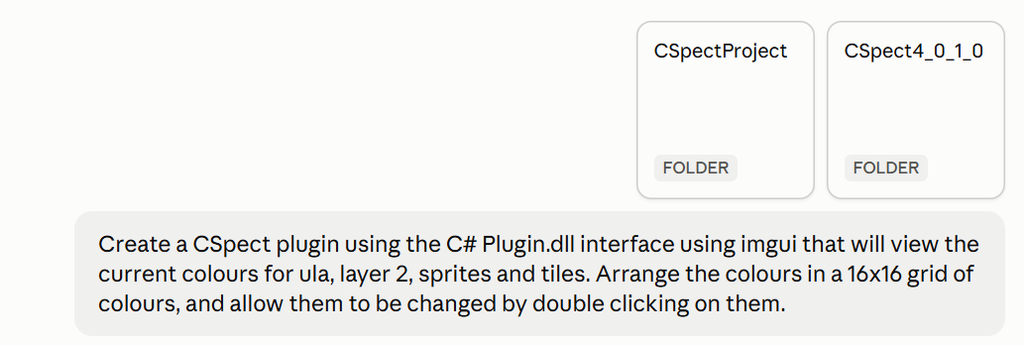
Enter what you’re looking to create, being reasonably descriptive, and hit return… and off it’ll trot.
Now be aware that you’ll only get a limited number of “tokens” on the free level, though you will be able to “continue” once they’ve refreshed. I’m currently on the £180 a year level, and I’ve found it’s able to do most tasks without issue, though I’m expecting to run out of monthly tokens – rather than daily.
My whole CSpect upgrade spanned 4 days of use, where I got Claude to move CSpect from the older OpenTK to SDL2 and imgui, and then added the new monitor. I never overran my daily/hourly use as I was doing things inbetween. However when I asked it to create a DOOM renderer for the Next, it did run out, as it spent “hours” thinking, making, and testing. So your mileage may vary.
Anyway, after a little thinking, Claude comes back with this…
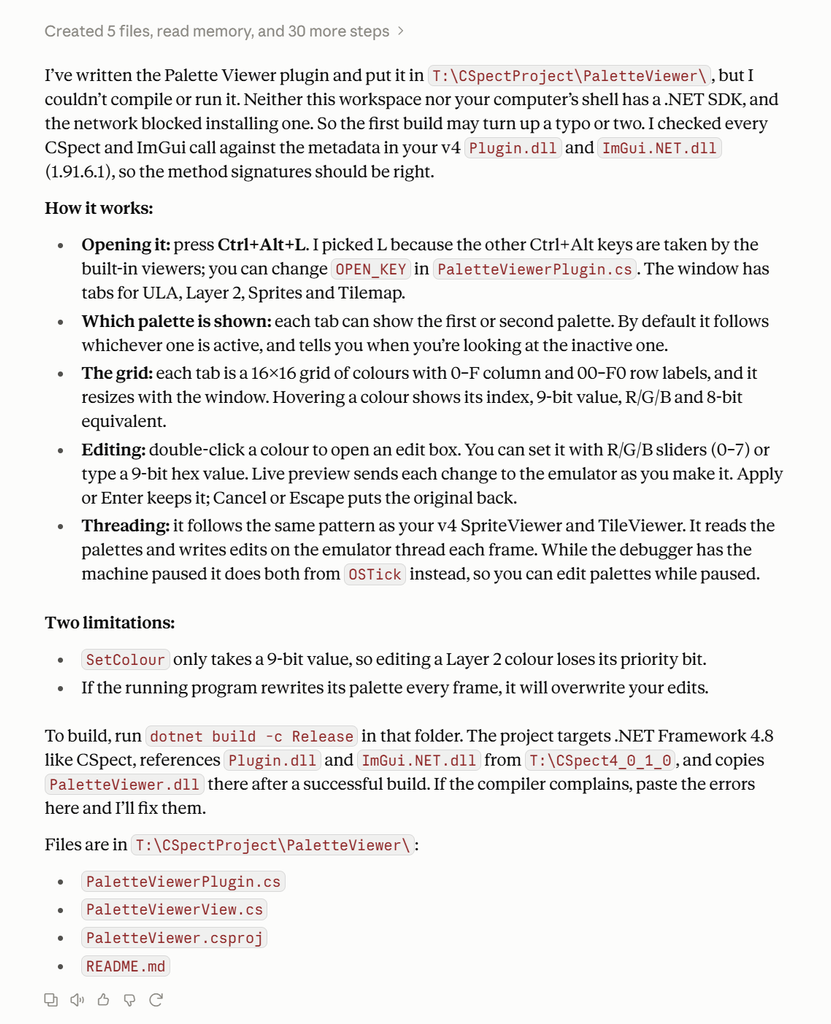
Now this is fine, but I need a .sln file for building in VisualStudio so I can get that DLL out…. so lets ask Claude to provide that.

Of it plods then returns this…
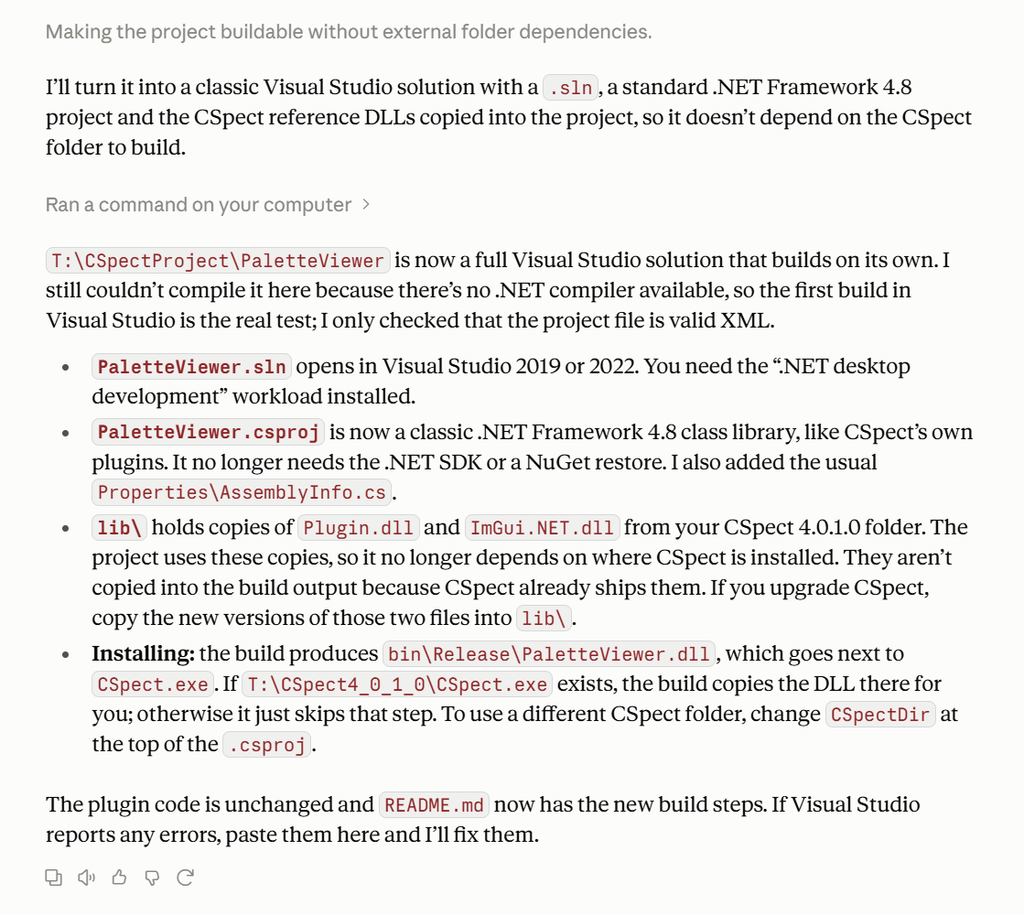
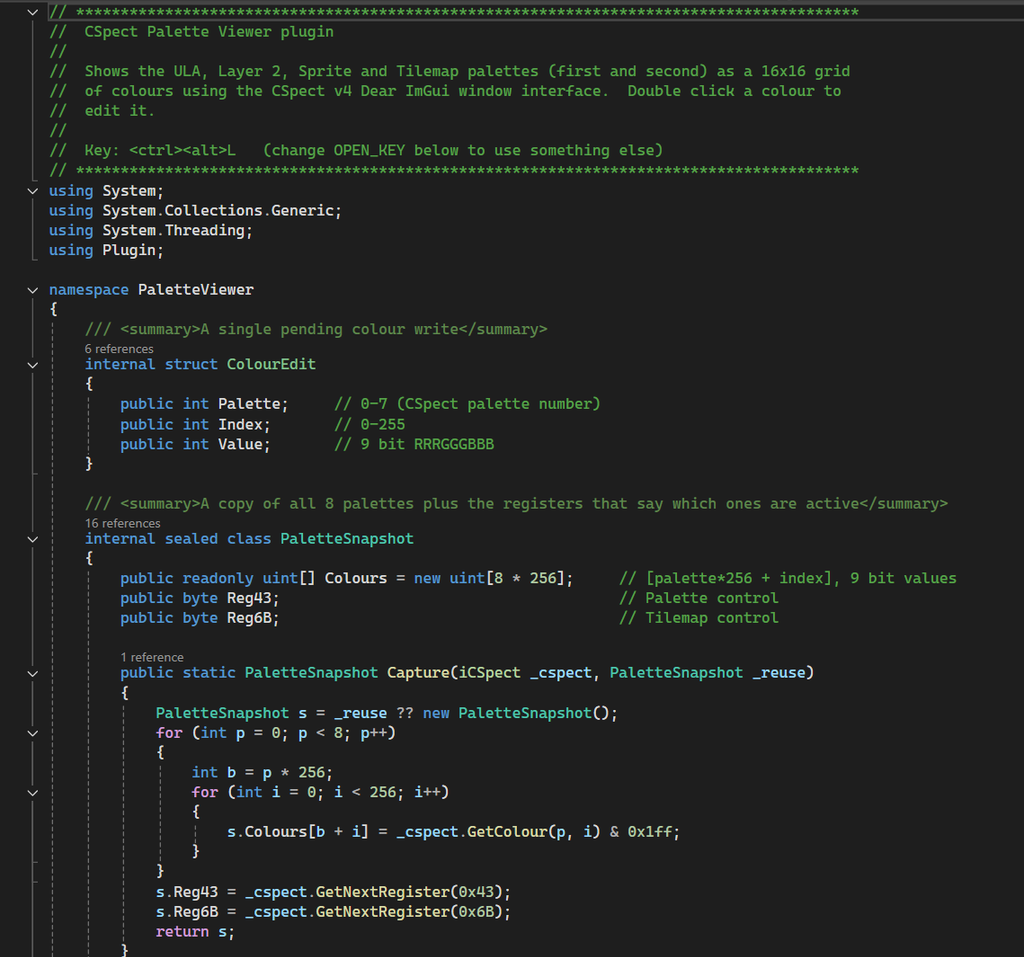
Now I can load this into VisualStudio, and the code actually looks pretty good – even commented! (more than I can say for many coders!)
But when I try to build… I get a load of errors.
“error CS0012: The type ‘Vector2’ is defined in an assembly that is not referenced.“

So now what? Well, we just copy the output into Claude and tell it. Go into the output window, copy ALL the text, and tell claude you got some errors, and paste in the output text.
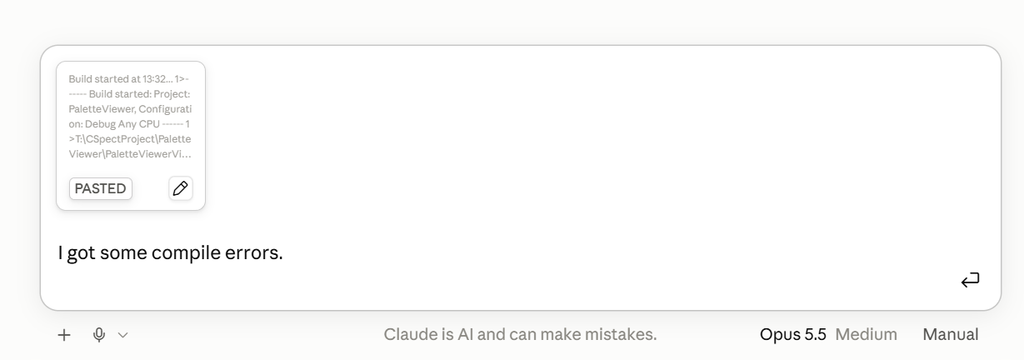
Hit enter, and Claude will have a think about it….
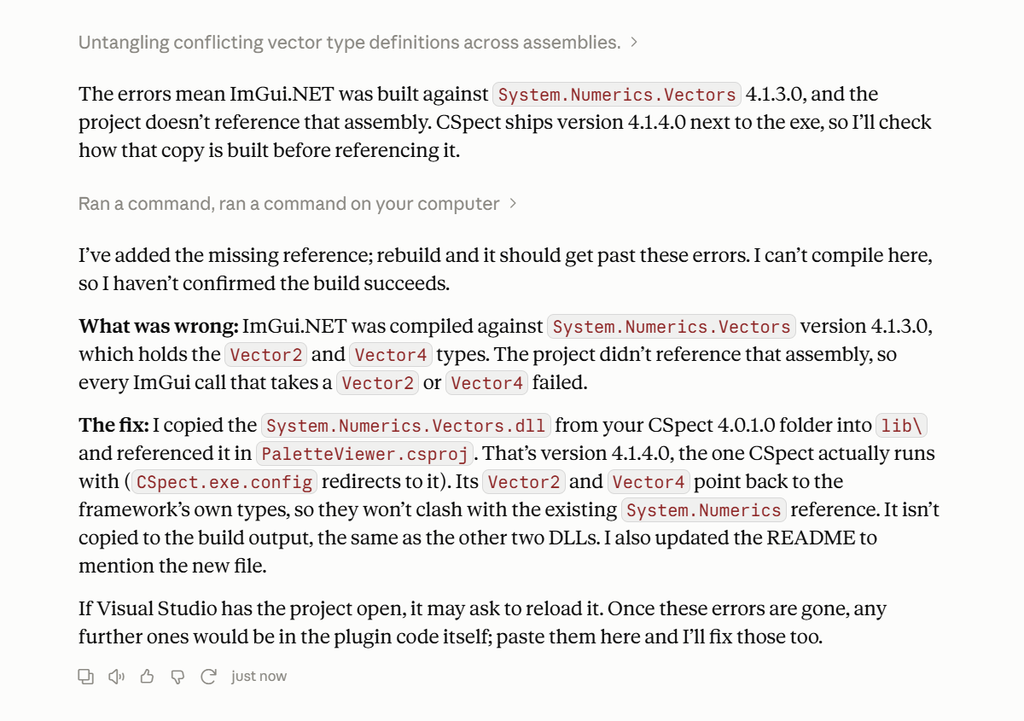
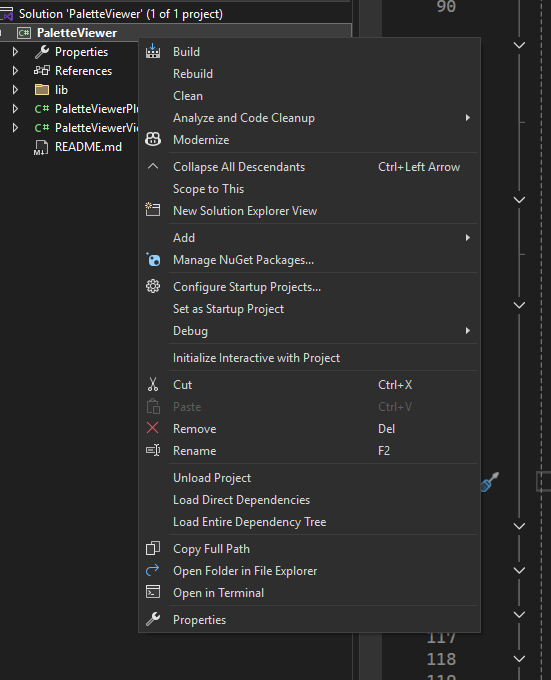
VisualStudio does in indeed want to reload, so we’ll let it, then do a “Rebuild” by right clicking on the project root and picking “Rebuild”.
And there we go. It’s built cleanly this time.
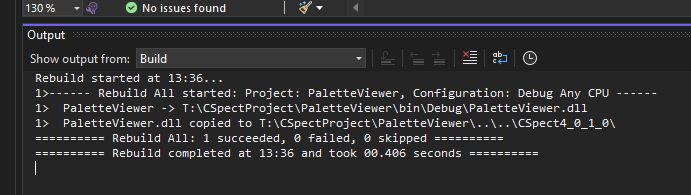
But does it work? And if so… what does it look like? Well for starters, you notice the last line
“PaletteViewer.dll copied to T:\CSpectProject\PaletteViewer….\CSpect4_0_1_0\”
This means it built it, and then copied it into the CSpect binary folder for testing – very nice. So open an explorer window to the CSpect folder, then double click the “beast.bat” file, then then press Alt+Enter (on windows) so that we see it in a window and not fullscreen, and you should see something like this.
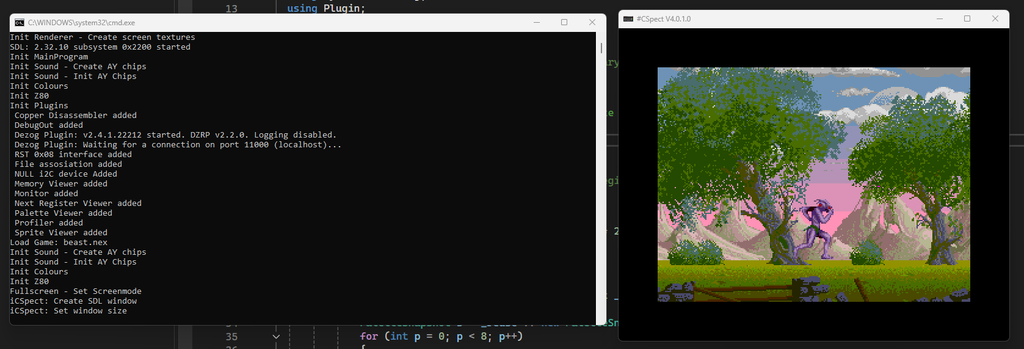
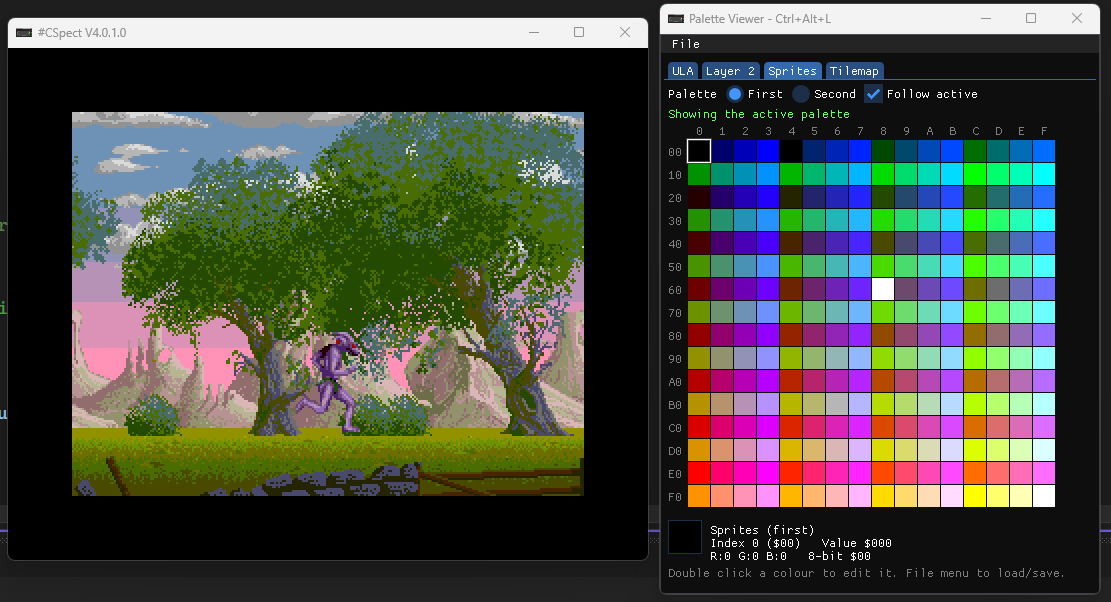
Now press the “<ctrl><alt>L” key and BANG! we get this!
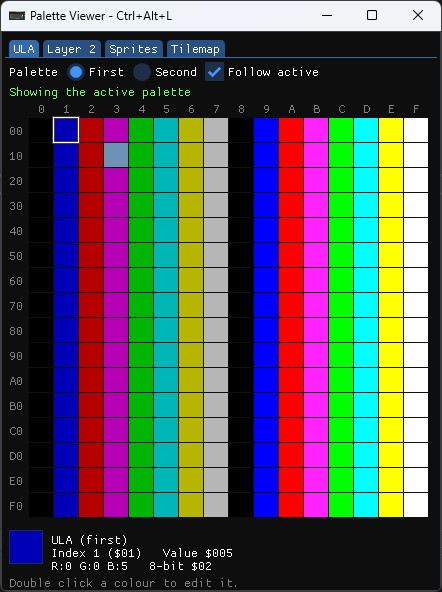
Well done! You’ve just made your very first CSpect plugin! The tabs at the top select which palette we’re looking at, while the First/Second radio button picks which one. Values are displayed at the bottom.
Select “Tilemap” tab at the top, and double click the first colour.
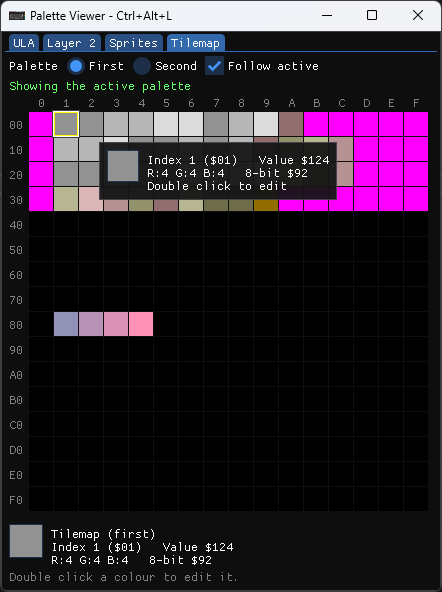
And you should see this.
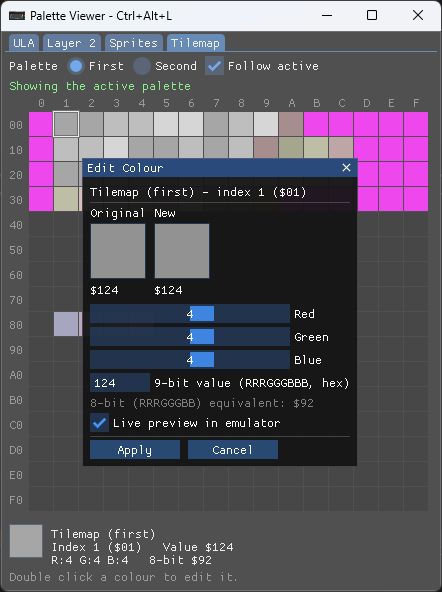
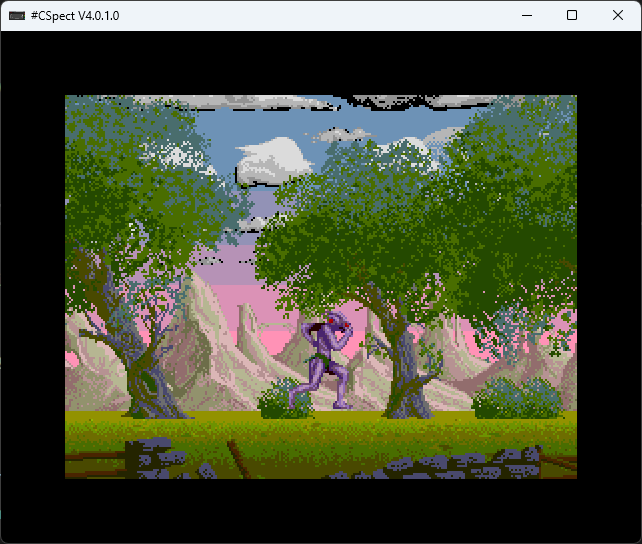
Now if you change those sliders, you’ll notice the colours change on the clouds in realtime.
You can then APPLY the value to commit it, or cancel it to restore it. Now what if you wanted to save these palettes out? Well, lets ask Claude to add a menu, and a load/save option to do just that.
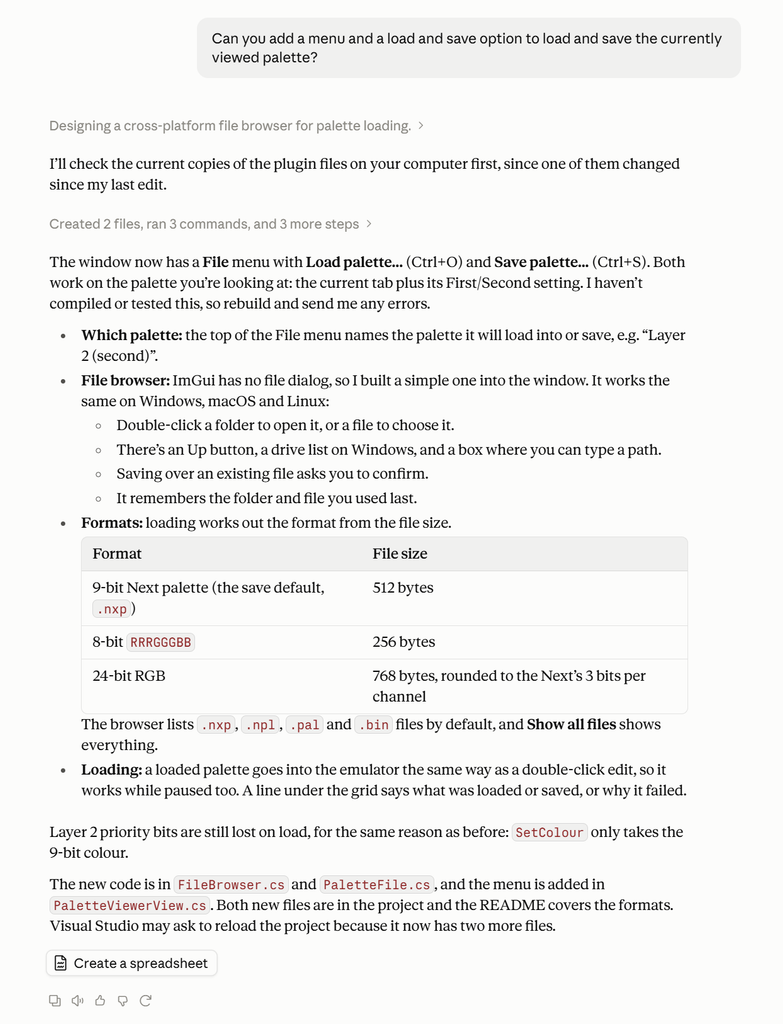
As you can see, it takes simple direction really well, and it added the menu item we asked for, even going as far as making a simple imgui file dialog.
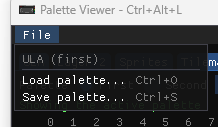
If we pick the SAVE menu item, we get this…
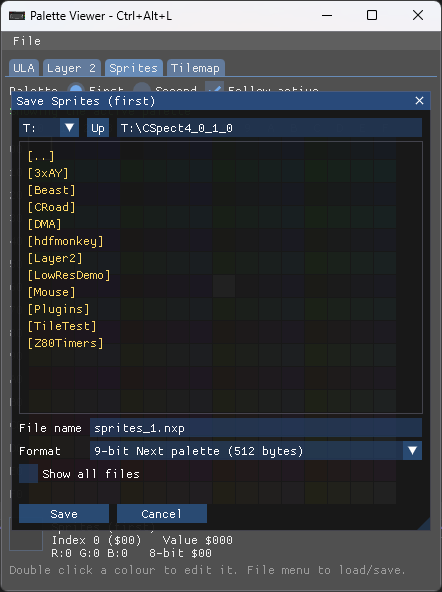
And as it said, you can save out 3 different formats.
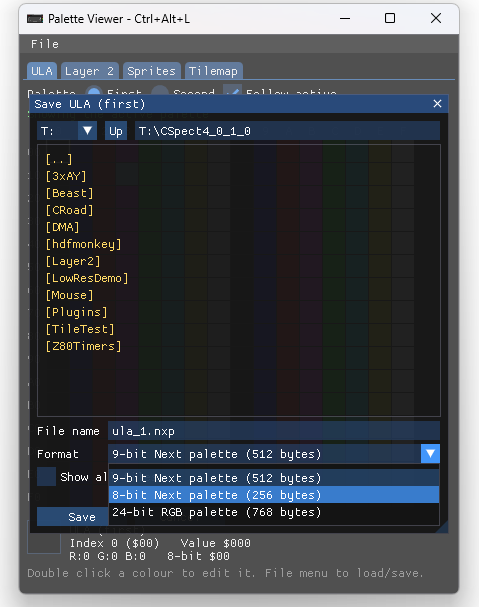
Now, if you didn’t want the 3 formats, you could tell it to ONLY save out – say – 9bit formats, or you could say just make 8-bit format the default etc. It will take your direction, and make the plugin YOU want. You could even add “range” spreads, so you could pick 2 colours and create a colour ramp from colour X to colour Y over several palette entries.
Now move your thinking beyond simple emulation tools, and into pure game development. Why not make a plugin that lets you edit levels while the game is running? Alien paths? a bitmap/tilemap viewer/editor, that will edit while the game runs, so you can see it in place? Or perhaps monitor a game’s AI, so you can visualise with lines and nodes, instead of just bytes of data. What about a linked list or binary tree viewer? All this is easily possible using CSpect plugins, and doubly easy using AI to do the grunt work.
The world really is your oyster now, and these things can be knocked up and thrown away as they take minutes, and not months of work.
I hope this was fun for you, and will get you keen to make your own plugin, and perhaps share them with everyone if you come up with a good one!