
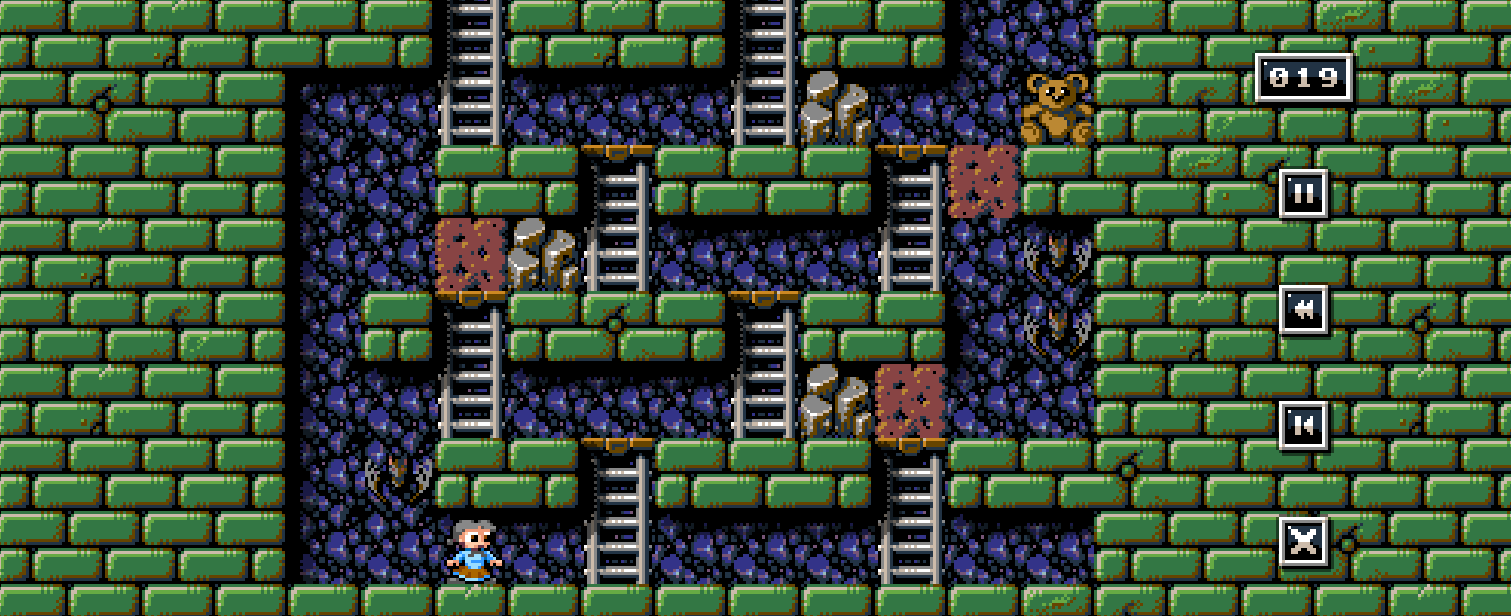
Andy from Thalamus Digital has persuaded me to take a crack at porting “Millie and Molly” to the Next. It’s a nice little puzzle game, simple, well defined, and not very complicated or all-consuming the way a game like Armalyte is. With my change in direction from #CSpect, I really want to be able to get some games out. After 7 years of Next coding, I’ve released nothing. Well, a few demos and done some tech, but I’ve been so focused on #CSpect for everyone else I’ve just not done or finished those games I really wanted to make.
I spent a week hacking Mercenary at Christmas, and it felt great to actually release something people could download and play. It’s been a long time since I’d done that. After a short stint back on #CSpect to add a cool new plugin I really wanted to get back and do something I could release. So when Andy suggested what should in theory be a quick port, I thought I’d give it a go. You never know… it might even work.
On top of that, I thought a proper programming diary would also be a great thing to do. Andrew Braybrook’s old ZZap programming diaries were inspirational to me. I waiting for each new edition with such excitement to read what a real game developer was doing, that when it arrived, I’d immediately flip to that article and absorb it all. I loved them. So I’ve always had an urge to write up what I do with the hope it’ll help inspire the next generation.
So! Here we go!
These were the one’s I was hooked on back in the day – Read these as well!
Paradroid – Andrew Braybrook
https://www.zzap64.co.uk/zzap3/para_birth01.html
https://codetapper.com/c64/diary-of-a-game/paradroid/ (nicer layout)
Morpheus – Andrew Braybrook
https://www.zzap64.co.uk/mentalprocre.html
Citadel – Martin Walker
https://www.zzap64.co.uk/walkersway.html
Lemmings 2 – Me!!
https://lemmings.info/lemmings-2-snes-programming-diary/
24/01/2026
After being granted access to the Github repo, I downloaded it, then downloaded Unity, and then tried to remember how to use the damn thing. An hour later – after lots of updates and more downloads, I finally had it all running.
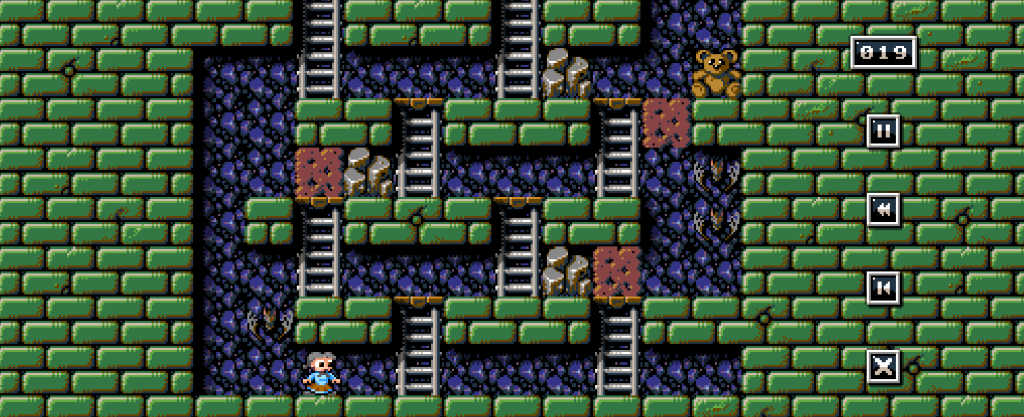
I played through the first 21 levels to get the gist and started to look at the various tilemaps and sprites. The game in unity draws everything as sprites, but I don’t want to do that. The sprites are all 24×24 in size, requiring 4 sprites to display them, so tilemaps would be far better. It’d also allow simple animations. The only gotcha is the background that can show through the tiles, so I figured I could plaster the background tile into Layer 2 then tiles over that, with anything moving being a sprite.
I also needed to convert the PC graphics into Next ones, so I fired up my graphics tool and started to add in a new tilemap converter. This was a reasonably straight forward task, but one worth documenting.
Given a .PNG, I want to extract a Tileset where tiles are 24×24 pixels (or 3×3 characters of 8×8 in size). The first thing you do, is get all the colours into a simple array, so that the array index is the index number we put as the Tilemap pixel. I sort the transparent pixel (or in my case colour 0xFFFF00FF – bright pink!) to be colour 0, so that transparent is always index 0.
I then read the 32bit colour pixels, look up that colour, and then as there are only 16 colours, store the colour in the top nibble (shifting it up 4 bits). Next I get the pixel to the right, look up it’s colour, and store it in the lower nibble. That’s basically all the conversion is, and reading those pixels in the correct tile/block order, we can then save it all out.
You then also save out the palette, converting from 24bit, down to 9bits by shifting the colours down 5 bits for each channel. And that’s a Tilemap converted!
25/01/2026
I copied my C Framework as a basis for the game, and then added in a couple of new segments for maps, Tilemap’s and Palettes. I spent a good couple of hours trying to get the labels I used to be recognised, and I’m still not sure what I changed, but it’s finally all working. The start address still isn’t being hooked up properly, but I know the hard address so I’ll stick with that for now.
I did run into paging issues, when I paged in the game overlay, then paged in the graphics to use as it promptly paged out the stack – doh. Setting up a 512byte stack in my Kernel area ($E000-$FFFF) fixed that, as it’s never paged out.
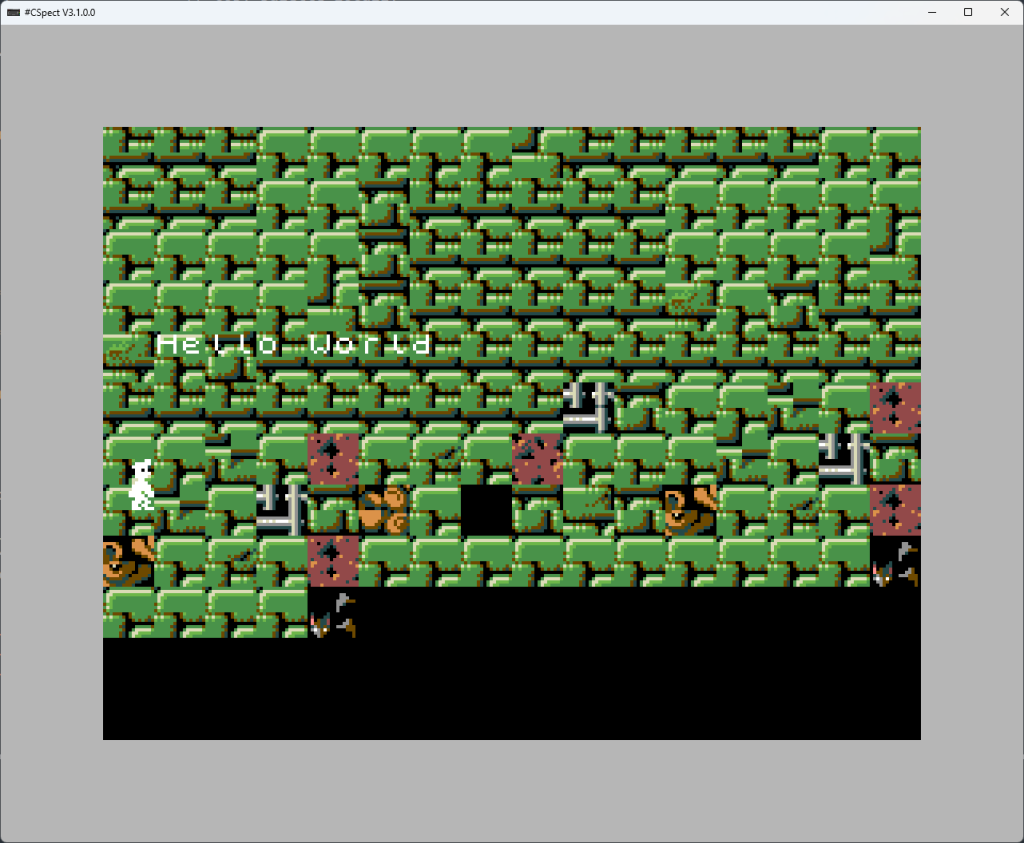
I moved on to trying to copy the map, palette and Tilemap’s into the right locations, so I can finally draw the map.
After much faffing, I finally managed to get the Tilemap and Tileset, initialise it properly, and then set about trying to actually draw the thing. The first attempt (above), didn’t turn out terribly well – still, at least the tiles were right.
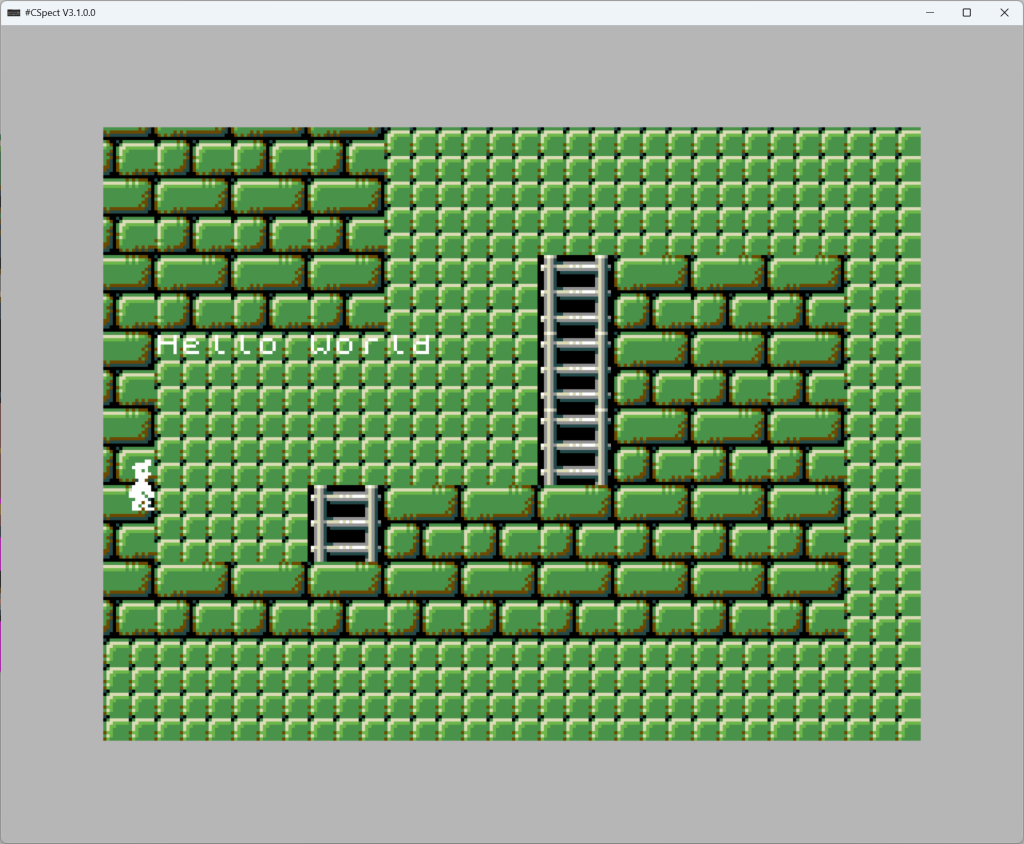
It took a couple of hours and several failed attempts, but I finally got the basic map up. There are several rules to assigning tiles based on what’s around each tile, but that’s simple enough to add later, so for now I have a map up with the basic tiles, and that’s enough for tonight. Tomorrow is all about getting this all into source control via Github….
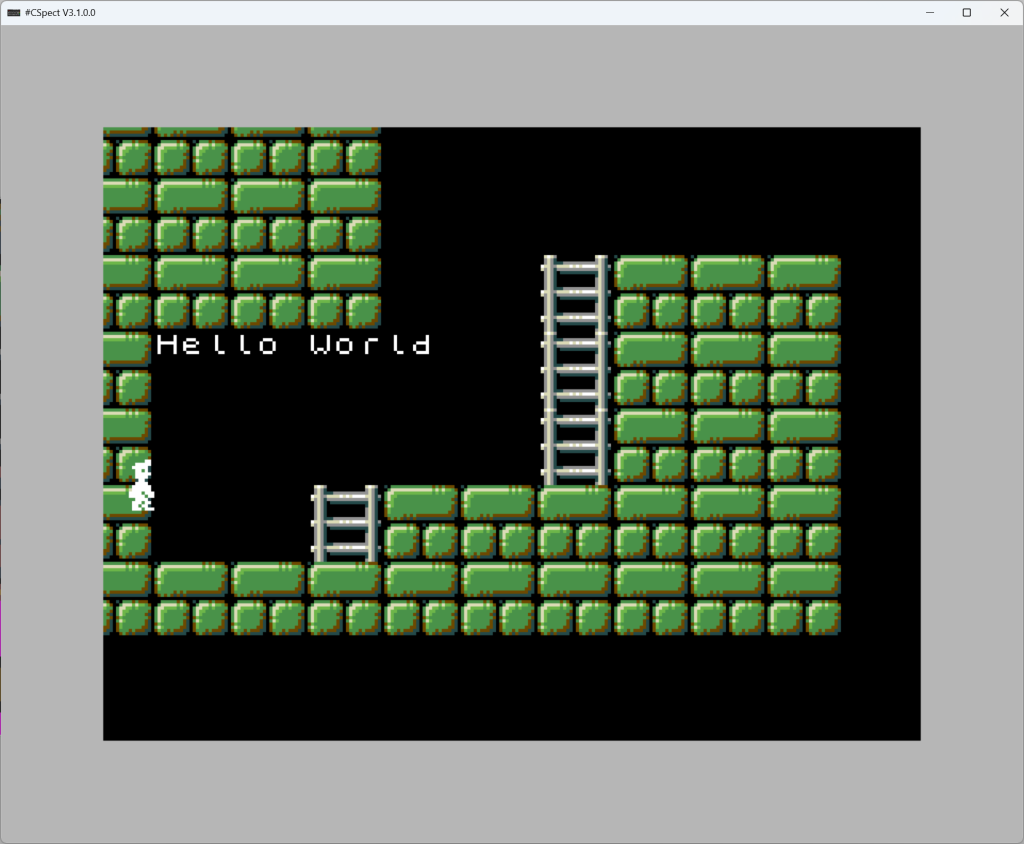
26/01/2026
Before getting properly started, I created the Github project and got it all uploaded. Now, not only does this serve as a backup, but also protection when something goes catastrophically wrong, as it means I can rewind to a working state. I can’t emphasize enough that you should use source control for your projects, it’s saved me more times that I care to remember.
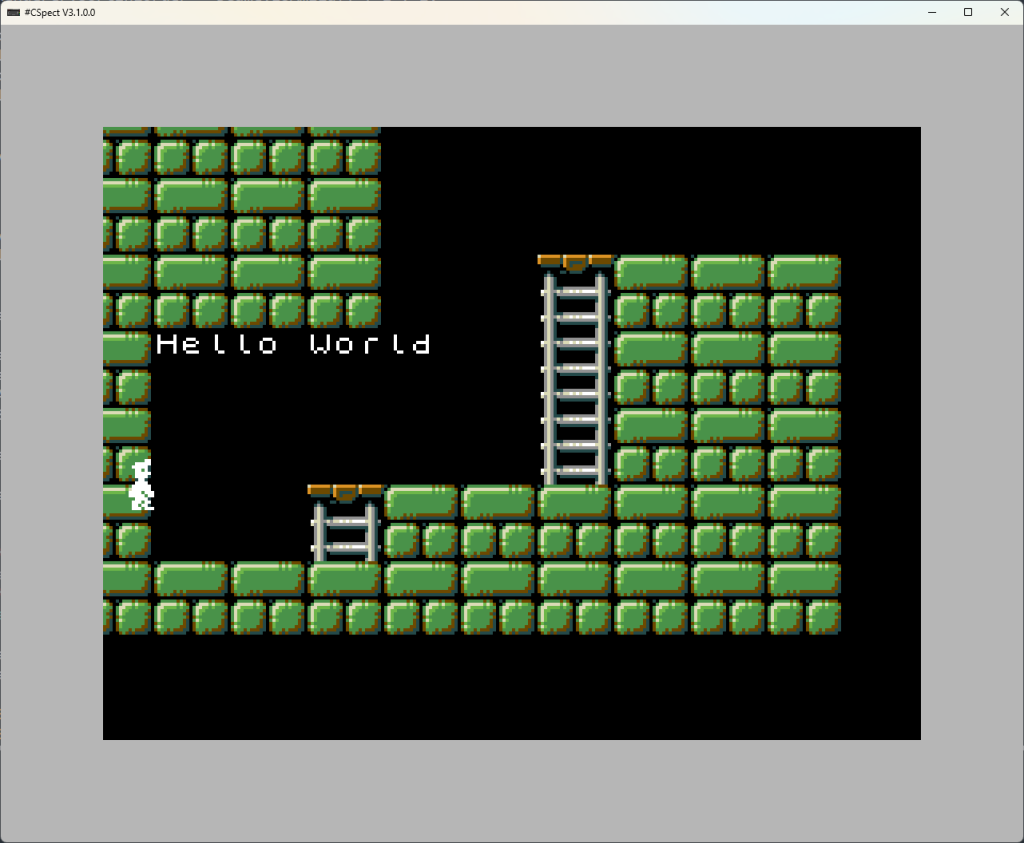
Today task was getting the map drawing using the correct rules. This means that when putting in a wall tile, you look around that tile and see which of the wall tiles you should use, so that they stitch together in a far nicer fashion.
I started with the ladders, as they were a little simpler. This means if there’s a ladder above and below, then you use a middle section. Or if there’s a ladder below, but none above, you use a ladder end with a platform on it and so on.
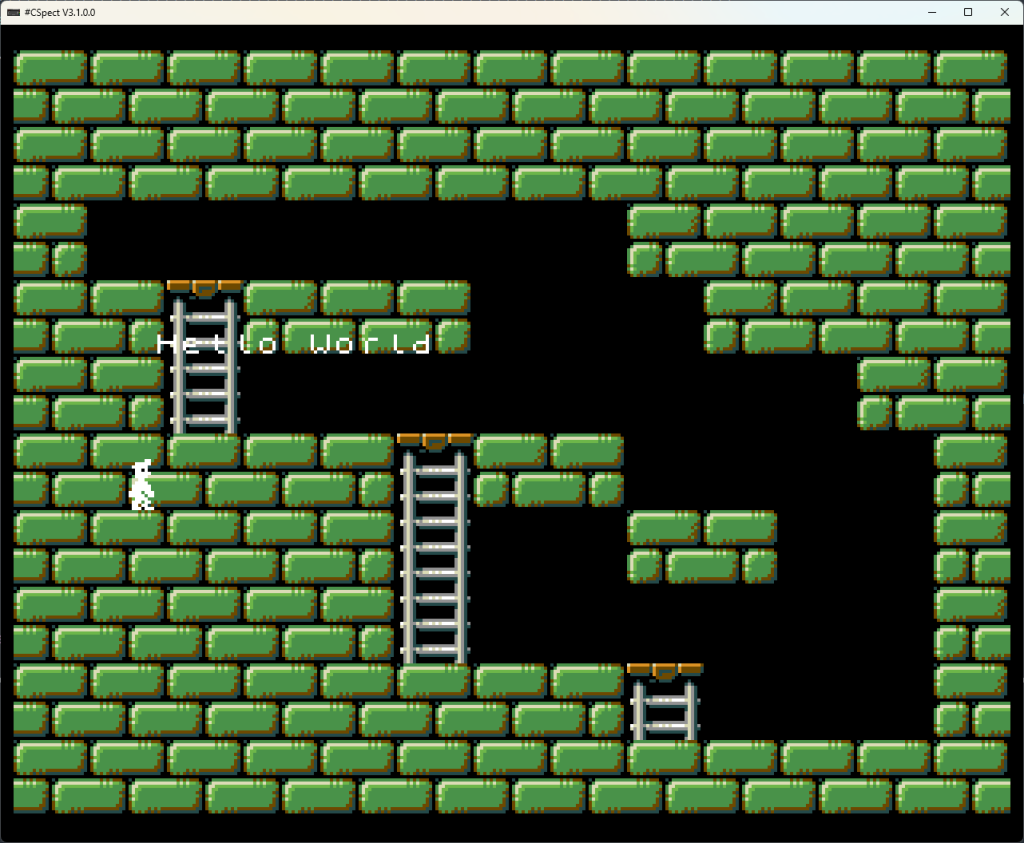
This took most of the night as I ported the code from C# over to the z88dk “C” as it’s a little picky. I did however get this going eventually and got the walls, ladders and dirt all working. Rocks are single items and just go in, as are the Bears/Bats.
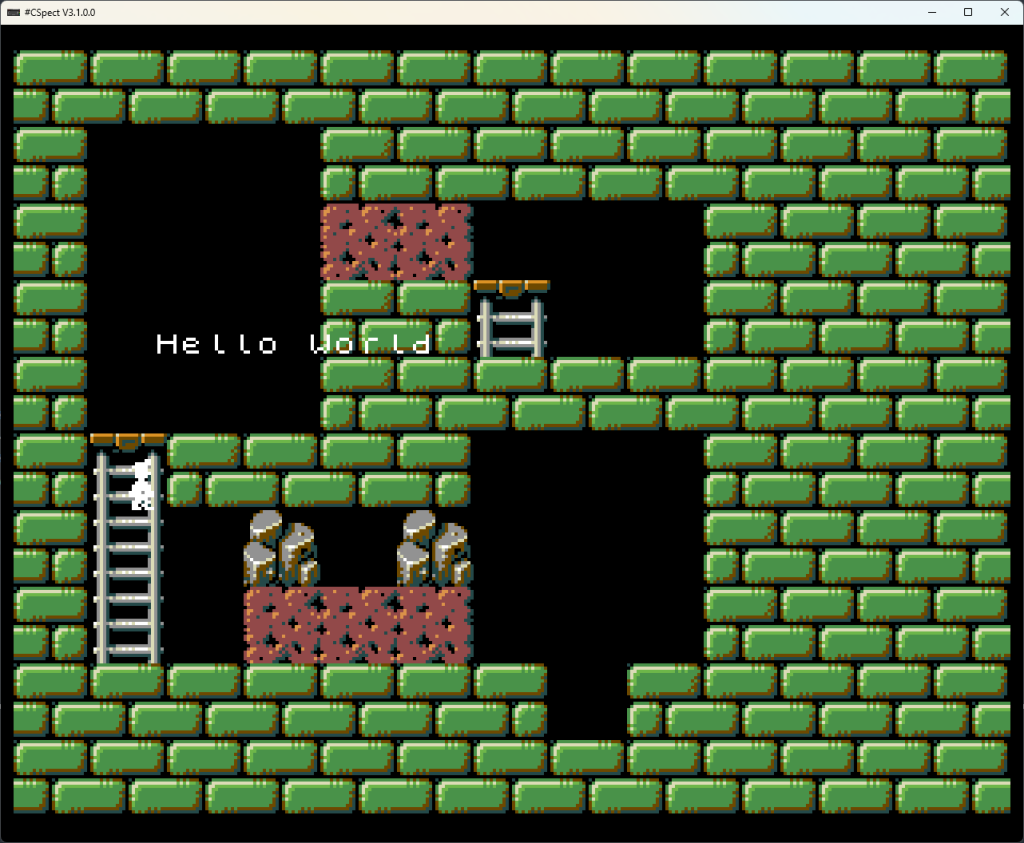
I then cut out the other styles and got those Tileset’s converted into Next format, and got them into memory. I spent probably about an 30 minutes trying to figure out why the next Tileset just wasn’t working. I did find a bug in the palette code as I thought the tiles were visible, but black. However it wasn’t that. The whole level was shifted right a couple of tiles, and I couldn’t figure out why.
I eventually tracked it down to a debug “dw <address>” I’d put in the middle of the levels to test labels, pushing the whole level out by 2 bytes. Oh Bloody hell….
With that embarrassment behind me, I was able to load a level from each style, and the loader would pick the right level, right palette and load and render the level.
27/01/2026
Today is about getting the tiles animating. In the past, I’d bitmap copy the tile data so that the characters change on their own, but this time I’m going to write in new tiles, so that to animate the bear, I’ll draw in 3×3 tiles for each bear. To do this, I simply remember the screen address of the 1st tile in the 3×3, then overwrite the whole 3×3 every few frames. Simple, or so I thought.
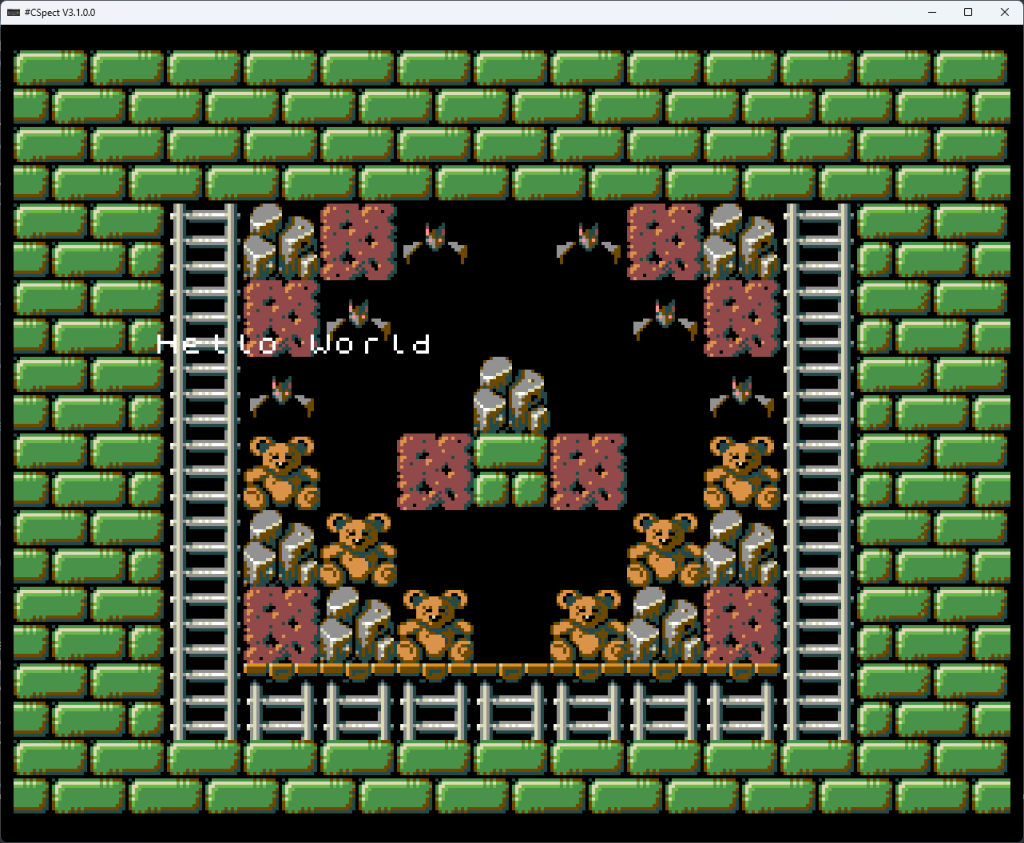
I put the loop in for this, but the built up arrays didn’t seem to be working, it seems to be getting the wrong tiles for some reason, though the mechanics for frame delays and animations seems to be fine.
After a few hours of head scratching, I finally got the animations working, and it does bring the level to life. Turns out I’d put in the wrong Tilemap base address. Simple mistake.
Now it was finally time to put the background in. I’m using Layer 2 for this with tiles on top, giving a nice “sprite” feel to it. I’m doing this in pure ASM as I need to bank in the layer2 over the top of the game’s C code. I started the basics of it, but decided to call it a night…